


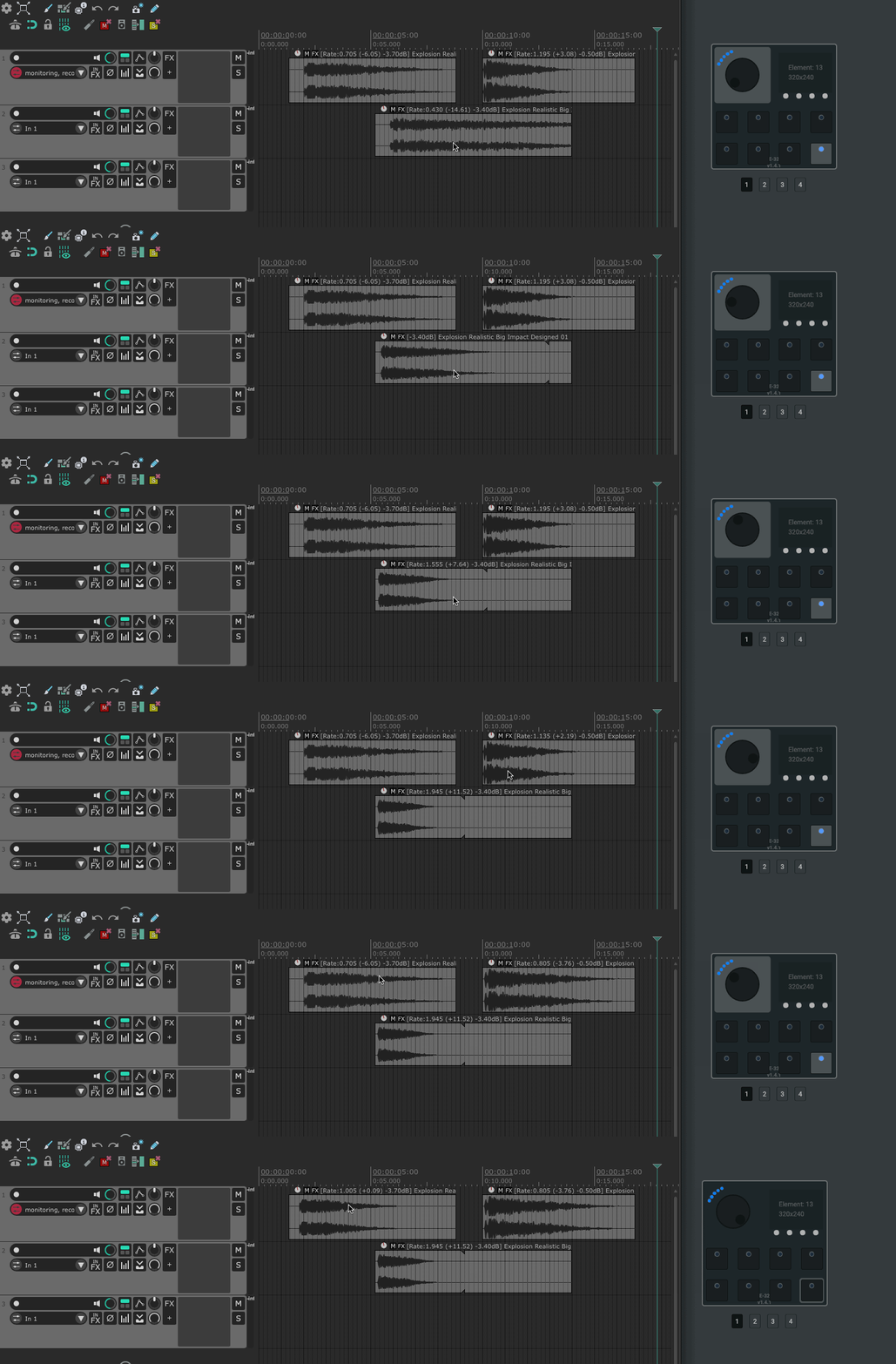
JL_Adjust Item Playrate (trigger)
Adjust playrate of currently hovered Item. It needs to be an endless encoder set to relative mode, that outputs cc value <= 63 for decreasing values, and cc value >= 65 for increasing values. NB! This script works only together with the “Adjust Item Playrate (listener) script”.
User Config
– set the rate increment as float (the value will either be added or subtracted depending on knob “scroll” direction) – paste in the action ID from “Adjust Item Playrate (listener)”. This is individual to all Reaper installs, so it needs to be done manually. – adjust time interval threshold between ticks in ms, which defines when the undo point is created (a low value might create several undo points during the same knob motion)
JL_Adjust Item Volume (listener)
The listener script needs to be called by the “Adjust Item Volume (trigger)” script.